

The file contains two objects, but the shot uses only one. Which item should the receiving artist open—and should a later change to the library alter the shot? Those are different questions. A file name answers neither completely.
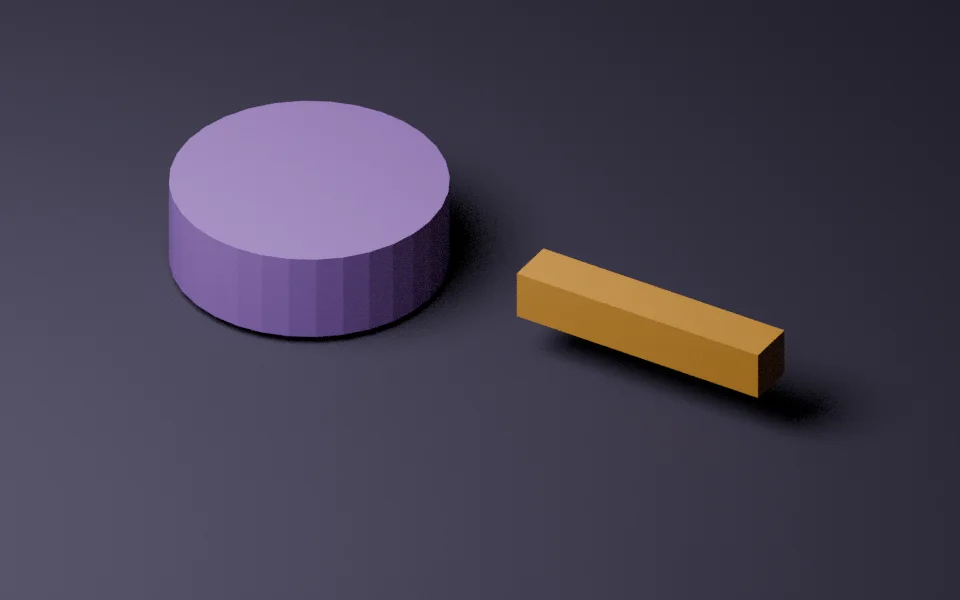
We made a small demonstration in Blender 4.0.2 to make the distinction visible. Workshop.blend contains a purple cylinder named Wheel and an amber bar named Handle. Two receiving files use Wheel: one through Link, the other through Append. These are simple original meshes, with no external textures or add-ons.
One source change, two different results
Initially, Wheel’s mesh depth was 0.2 Blender units. We saved both receiving files, doubled the source mesh’s local Z coordinates, saved the library again, and reopened the receivers in separate Blender processes.
| File | Wheel depth | Library relationship |
|---|---|---|
| Workshop.blend | 0.4 units | Source object |
| linked.blend | 0.4 units | Reference to Workshop.blend |
| appended.blend | 0.2 units | Local copy, no library reference |
The test measured the distance between the mesh’s minimum and maximum local Z coordinates. It did not infer a size from a preview image. The result matches the distinction in Blender’s Link and Append documentation: linking retains a reference; appending copies data into the receiving file.
Download and inspect the handoff
Download the complete demonstration. Extract the archive and keep the three blend files together. Open linked.blend, then appended.blend; the supplied library is already in its revised state. The first file uses the deeper cylinder, while the second retains the earlier geometry.
The package also includes observations.json, manifest.json and the scripts that created and checked the files. The manifest records the actual byte count and SHA-256 for each blend file. Those hashes identify a particular delivered file; opening and saving it again may change the hash.
For this handoff, the minimum useful identity is therefore Workshop.blend + object Wheel + retained file hash. A hash alone identifies the file containing both Wheel and Handle. The object name selects the item, while the receiver’s library relationship explains how later source changes can reach it.
A remote catalogue adds another boundary
Blender’s July 2026 Remote Asset Libraries account describes downloading assets when needed. In that dated description, assets must be self-contained in one blend file, and selecting one asset from a multi-asset file downloads the whole file. It also discusses version compatibility.
Our local Link/Append test does not exercise that remote-library feature or Blender 5.2. It explains why “I downloaded the asset” is still an incomplete handoff: the receiving artist needs to know the selected data-block and whether the shot retains a dependency or a local copy.
Before approving a real delivery, reopen the receiving file from its intended folder arrangement and check the actual relationship. Then review whether the object suits the shot. A successful reference check establishes file behaviour; it does not establish creative acceptance. Our shot-review guide addresses that next decision.
Test run 13 November 2026 on Blender 4.0.2 in background mode. One simple local geometry update; no remote service, animation, performance or cross-version test. Original sample geometry and scripts are supplied under CC0. The abstract cover remains a conceptual illustration; the inline render shows the actual demo.